
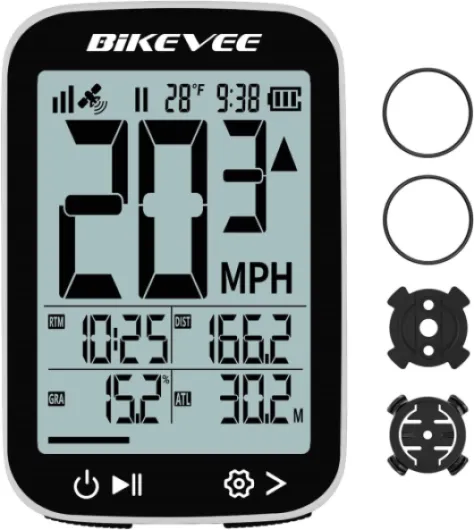
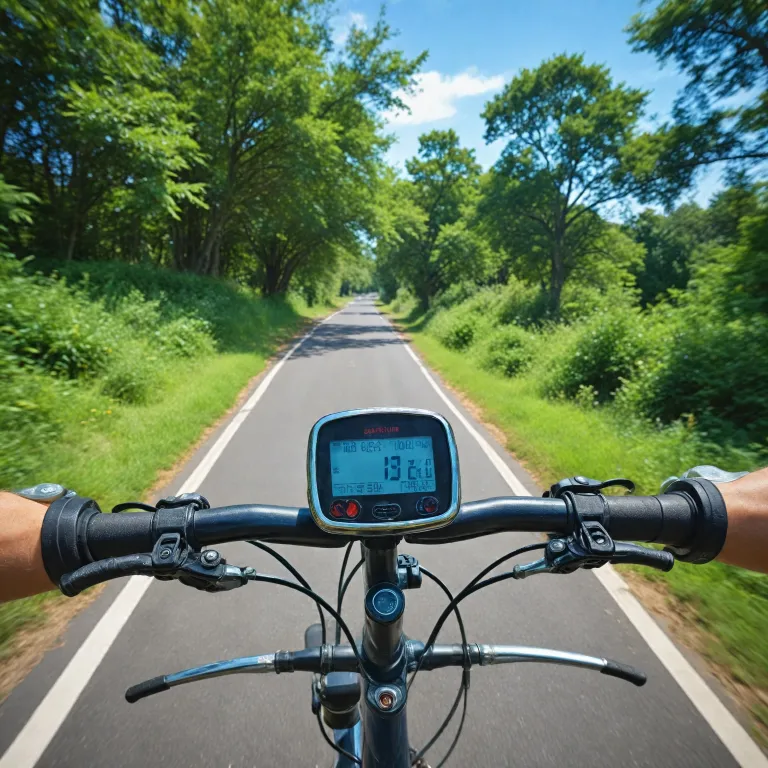
Understanding what a wireless bike speedo does
What a wireless bike speedo brings to your ride
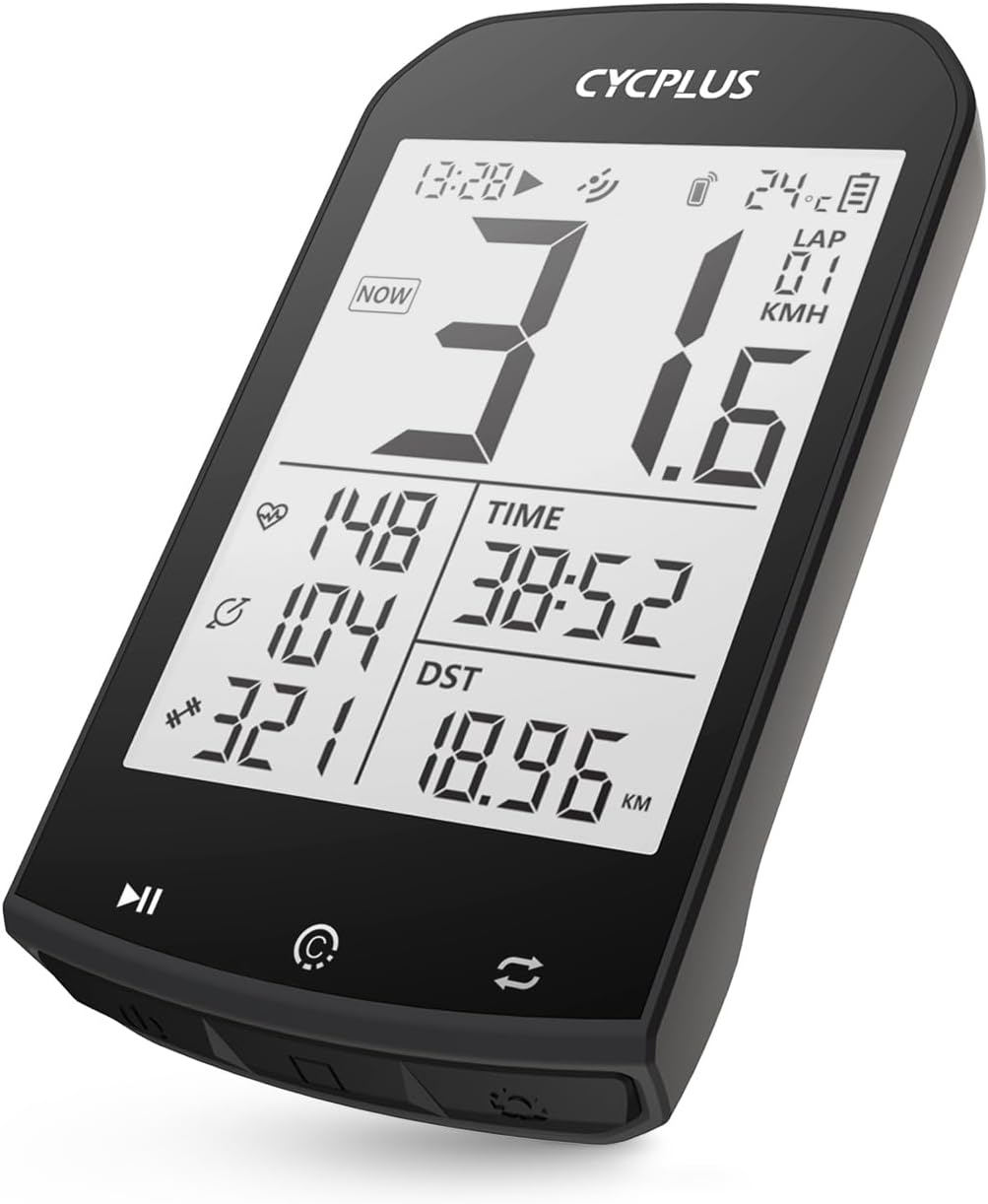
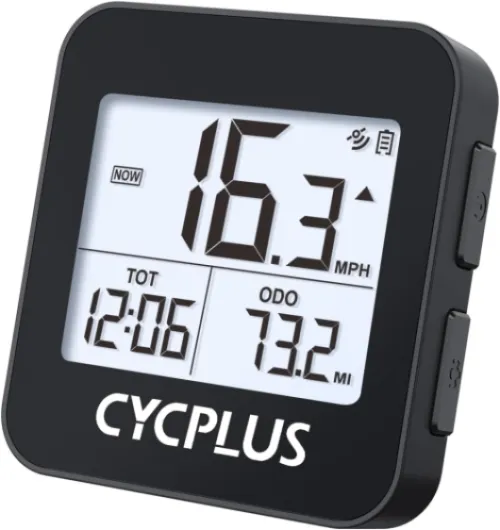
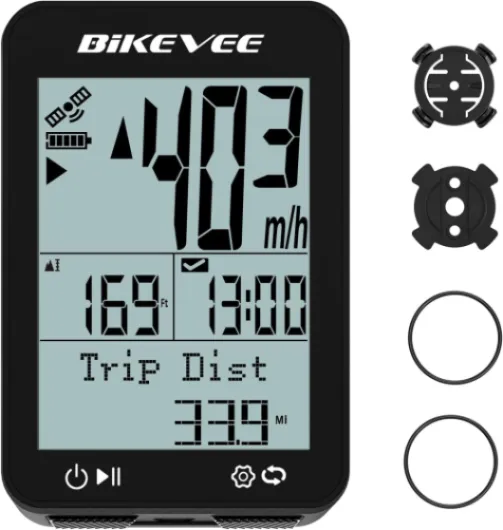
A wireless bike speedometer, often called a bike computer or cycling computer, is a compact device that tracks and displays your cycling data in real time. It uses a sensor, usually mounted on your wheel or crank, to measure speed, distance, and sometimes cadence. Unlike older wired models, wireless bike speedos transmit data via Bluetooth or ANT+ technology, eliminating cables and making installation much simpler.
Modern wireless bike computers offer much more than just speed and distance. Many models include GPS for route tracking, programmable odometers, and even waterproof (IPX-rated) designs for all-weather cycling. Some advanced units, like the Wahoo Fitness or Cycplus bike computers, support features such as auto backlight, cadence sensors, and long battery life. These features help you monitor your performance, set goals, and improve your cycling experience.
- Speed and distance: Basic functions for tracking your ride, often displayed in mph or km/h.
- GPS integration: Enables route mapping and navigation, especially useful for exploring new areas.
- Wireless connectivity: Bluetooth and ANT+ allow pairing with heart rate monitors, cadence sensors, and smartphones.
- Waterproof design: Many models are IPX waterproof, so you can ride in any weather.
- Programmable odometer: Lets you track total mileage across multiple bikes.
When comparing products, you’ll notice a range of prices and features. Some bike computers offer free shipping, regular price discounts, and star ratings from other cyclists. It’s important to consider your cycling needs, whether you want a simple speedometer or a full-featured GPS cycling computer. For those interested in broader fitness tracking, you might also want to explore the benefits of smart watches for cycling and fitness.
Understanding these basics will help you make sense of the key features, installation steps, and troubleshooting tips covered in the next sections. Whether you’re a casual rider or a dedicated cyclist, a wireless bike speedo can be a valuable tool for tracking your progress and enhancing your rides.

Key features to look for in a wireless bike speedo
Essential Functions and Features for Every Cyclist
When shopping for a wireless bike speedo, it’s easy to get overwhelmed by the range of products and features. To make the right choice, focus on what matters most for your cycling habits and goals. Here’s a breakdown of the key features to consider, whether you’re a casual rider or a dedicated cyclist.
- Wireless Connectivity: Look for a cycling computer with reliable wireless technology, such as Bluetooth or ANT+. This ensures seamless connection to sensors and your smartphone, reducing clutter on your handlebars.
- GPS Integration: A GPS bike computer tracks your route, speed, and distance with high accuracy. GPS cycling computers are ideal for those who want to analyze their rides or explore new routes.
- Speed and Cadence Sensors: Many wireless bike computers include a speedometer and cadence sensor. These help you monitor your performance in real time, giving you valuable feedback on your pedaling rate and speed in mph or km/h.
- Odometer and Programmable Odometer: An odometer tracks your total mileage, while a programmable odometer lets you set your starting value. This is useful if you want to keep a running tally of your cycling achievements.
- Waterproof Rating: Since weather can be unpredictable, choose a product with an IPX waterproof rating. This ensures your device remains functional in rain or mud.
- Backlight and Display: A clear, backlit display is crucial for visibility in low light. Some cycling computers offer auto backlight features for added convenience.
- Battery Life: Long battery life is essential, especially for longer rides. Some gps wireless bike computers can last for several days on a single charge.
- Data Sync and Free Apps: Many modern bike computers offer free app integration, allowing you to sync your ride data for deeper analysis and sharing.
- Price and Value: Compare the regular price and features. Some brands offer free shipping or bundled sensors, which can add value to your purchase. Check product reviews and stars to gauge reliability and user satisfaction.
For those interested in a deeper dive into the latest cycling computer technology, including standout features and real-world performance, you can explore more in this detailed review of a leading smartwatch.
| Feature | Why It Matters |
|---|---|
| Wireless (Bluetooth/ANT+) | Easy setup, less cable mess, connects to sensors and apps |
| GPS | Accurate tracking of distance, speed, and routes |
| Waterproof (IPX) | Protection against rain and splashes |
| Backlight | Readability in all lighting conditions |
| Odometer | Tracks total mileage for long-term goals |
| Battery Life | Fewer charges needed, reliable for long rides |
| Price & Stars | Helps compare value and user satisfaction |
Ultimately, the best wireless bike speedo is the one that fits your cycling style, budget, and desired features. Whether you’re after a simple mph speedometer or a full-featured gps cycling computer, knowing what to look for will help you make a confident choice.
Comparing wireless and wired bike speedos
Wireless vs Wired: What Sets Them Apart?
When choosing a bike computer, one of the first decisions is whether to go wireless or stick with a wired model. Both have their place in cycling, but the differences can impact your ride and the overall experience.
- Wireless Convenience: Wireless bike computers, like the popular gps cycling computers, use sensors that communicate via bluetooth ant or similar technology. This means no cables running along your bicycle frame, making installation cleaner and reducing the risk of cable damage.
- Wired Reliability: Wired bike speedometers connect directly to the sensor with a cable. They tend to be less susceptible to signal interference, but the wires can be a hassle, especially if you ride off-road or need to move the computer between bikes.
Wireless bike computers often come with extra features, such as programmable odometer, auto backlight, and even cadence sensor support. Many modern wireless models are also waterproof (look for ipx waterproof ratings), making them suitable for all-weather cycling. Some, like the cycplus bike or wahoo fitness computers, offer gps wireless tracking, allowing you to monitor your route, speed, and distance with high accuracy.
On the other hand, wired computers are usually more affordable and have a longer battery life since they don't rely on wireless transmissions. However, they might lack advanced features like gps or free app integration.
Price is another factor. Wireless bike computers, especially those with gps and advanced sensors, often come at a higher regular price. But with free shipping offers and seasonal discounts, you can sometimes find a great deal. Always check the stars and product reviews to gauge real-world performance before making a purchase.
For cyclists who value a clutter-free setup, easy installation, and advanced features, wireless is the way to go. If you prefer simplicity and reliability, a wired model might suit you better. For a deeper dive into how these features can enhance your cycling experience, check out this pro tracking guide.
| Feature | Wireless Bike Computer | Wired Bike Computer |
|---|---|---|
| Installation | Easy, no cables | Requires cable routing |
| Features | gps, bluetooth ant, cadence sensor, programmable odometer, backlight | Basic mph, odometer, speedometer |
| Waterproof | Often ipx waterproof | Varies |
| Battery Life | Shorter (depends on features) | Longer |
| Price | Higher, but with free shipping options | Lower |
Ultimately, the right choice depends on your cycling needs, budget, and how much you value features like gps, waterproofing, and wireless connectivity.
How to install and set up your wireless bike speedo
Step-by-step setup for your wireless bike computer
Setting up a wireless bike speedometer or cycling computer can seem tricky, but most modern products are designed for quick installation. Here’s a simple guide to help you get started, whether you have a GPS bike computer, a velo wireless, or a cycplus bike model.- Mount the computer: Attach the main unit to your handlebars or stem using the provided bracket. Many wireless bike computers offer tool-free mounting and adjustable angles, making it easy to read your mph or km/h while riding.
- Install the sensor: Place the wireless sensor on your front fork. This sensor tracks your wheel’s rotations and sends data to the computer. For models with a cadence sensor, attach it near your crank arm as directed in the manual.
- Align the magnet: Fix the magnet to a spoke on your front wheel. Make sure it passes closely by the sensor with each rotation—usually within a few millimeters. This ensures accurate speed and distance readings on your odometer and speedometer.
- Pair the devices: If your cycling computer uses Bluetooth ANT+ or similar wireless protocols, follow the pairing instructions. Some GPS wireless bike computers will auto-detect the sensor, while others may require manual pairing.
- Set up your preferences: Program your wheel size, units (mph or km/h), and any other custom settings like a programmable odometer. Many bike computers also let you set up backlight options, auto start/stop, and waterproof modes (such as IPX waterproof ratings).
- Check battery life: Before your first ride, ensure the batteries in both the computer and sensor are fresh. Some models, like those from Wahoo Fitness or other cycling computers, feature long battery life and even battery status indicators.
Tips for a smooth installation
- Test the connection before heading out. Spin your wheel and check if the computer displays speed and distance.
- Secure all components tightly to avoid movement during rides, especially if you ride in wet conditions. Many wireless bike computers are waterproof, but double-check the product’s IPX rating.
- Refer to the product manual for any model-specific steps, especially for advanced GPS cycling computers or those with additional features like free shipping, auto backlight, or programmable odometer.
Tips for getting the most out of your wireless bike speedo
Maximizing Accuracy and Reliability
To get the most out of your wireless bike speedometer, start by ensuring the sensor is properly aligned with your wheel magnet. Even a small misalignment can affect the accuracy of your mph readings and odometer tracking. Regularly check the sensor position, especially after rough rides or if you notice inconsistent speed data. For GPS bike computers, make sure your device has a clear view of the sky to maintain strong satellite signals, which is crucial for precise cycling data.
Optimizing Battery Life and Maintenance
Battery life is a key factor for any wireless bike computer. To extend it, turn off features like the backlight or auto-sync when not needed. Some models offer programmable odometer functions or auto-sleep modes to help conserve power. Always keep spare batteries or a charging cable handy, especially for longer rides. If your cycling computer is waterproof or has an IPX waterproof rating, clean it gently after wet rides to prevent moisture buildup and sensor issues.
Customizing Data and Display
Most modern cycling computers let you customize the display to show your preferred metrics, such as speed, cadence, distance, or heart rate. Take advantage of this by setting up your device to highlight the stats that matter most for your cycling goals. Bluetooth ANT+ connectivity allows you to pair additional sensors, like a cadence sensor or heart rate monitor, for a more complete training picture. Explore your product's settings to program alerts for pace or distance milestones.
Leveraging Advanced Features
- GPS cycling computers can record your routes and help with navigation. Use the free mapping features or downloadable routes if your device supports them.
- Auto pause and start functions ensure your stats reflect only active riding time, which is helpful for urban cycling with frequent stops.
- Some wireless bike computers offer free shipping or bundled accessories like mounts and sensors—check your product package for included extras.
Keeping Your Data Organized
Sync your ride data with compatible apps or cloud services. Many wireless bike computers, like those from Wahoo Fitness or Cycplus Bike, support Bluetooth or ANT+ for easy transfer to your smartphone or cycling platforms. This helps you track progress over time and compare stats across different rides. If your device has a programmable odometer, update it after tire changes to keep distance readings accurate.
Staying Informed on Updates and Support
Manufacturers often release firmware updates to improve performance or add features. Check for updates regularly to keep your cycling computer running smoothly. If you encounter issues, refer to the product manual or online support forums for troubleshooting tips. Many brands offer free delivery on replacement parts or accessories, making maintenance more convenient.
Troubleshooting common issues with wireless bike speedos
Signal and Sensor Problems
If your wireless bike speedometer or cycling computer is not displaying speed or distance, the issue often lies with the sensor or signal. Make sure the sensor is properly aligned with the magnet on your bicycle wheel or crank. Check for any dirt or debris that might block the signal. If your device uses Bluetooth ANT or a cadence sensor, ensure they are paired correctly and within range. Low battery life in the sensor or computer bike unit can also cause connection drops, so replace batteries if needed.Display and Backlight Issues
Some wireless bike computers, especially those with a backlight or programmable odometer, may have display problems in low light or direct sunlight. If the screen is dim or unresponsive, check the backlight settings and confirm the battery is charged. For models with an auto backlight or ipx waterproof rating, moisture can sometimes affect the display. Dry the unit thoroughly and avoid exposing it to heavy rain, even if it is labeled waterproof.GPS and Data Accuracy
GPS bike computers and gps wireless models can sometimes show inaccurate speed or distance, especially in dense urban areas or under heavy tree cover. Make sure your gps cycling device has a clear view of the sky. If your cycling computer or gps computer is still inaccurate, update the firmware if the manufacturer offers free updates. Some products, like the cycplus bike or wahoo fitness models, provide regular updates to improve accuracy.Mounting and Stability Concerns
If your wireless bike computer or speedometer is loose or keeps falling off, double-check the mounting bracket. Many bicycle computers come with adjustable mounts, but they must be secured tightly. For cycling computers with a waterproof or ipx waterproof design, ensure the mount does not compromise the seal.Odometer and Programmable Settings
If your odometer or programmable odometer is not tracking correctly, review the wheel size settings in your bike computer. Incorrect wheel size input can cause mph or distance errors. Refer to the product manual for the correct procedure, as each model (from velo wireless to gps cycling computers) may have a different setup.- Check battery life regularly for both sensor and computer units
- Keep sensors and magnets clean and properly aligned
- Update firmware when available for gps and bluetooth ant devices
- Secure all mounts to prevent vibration or loss during rides