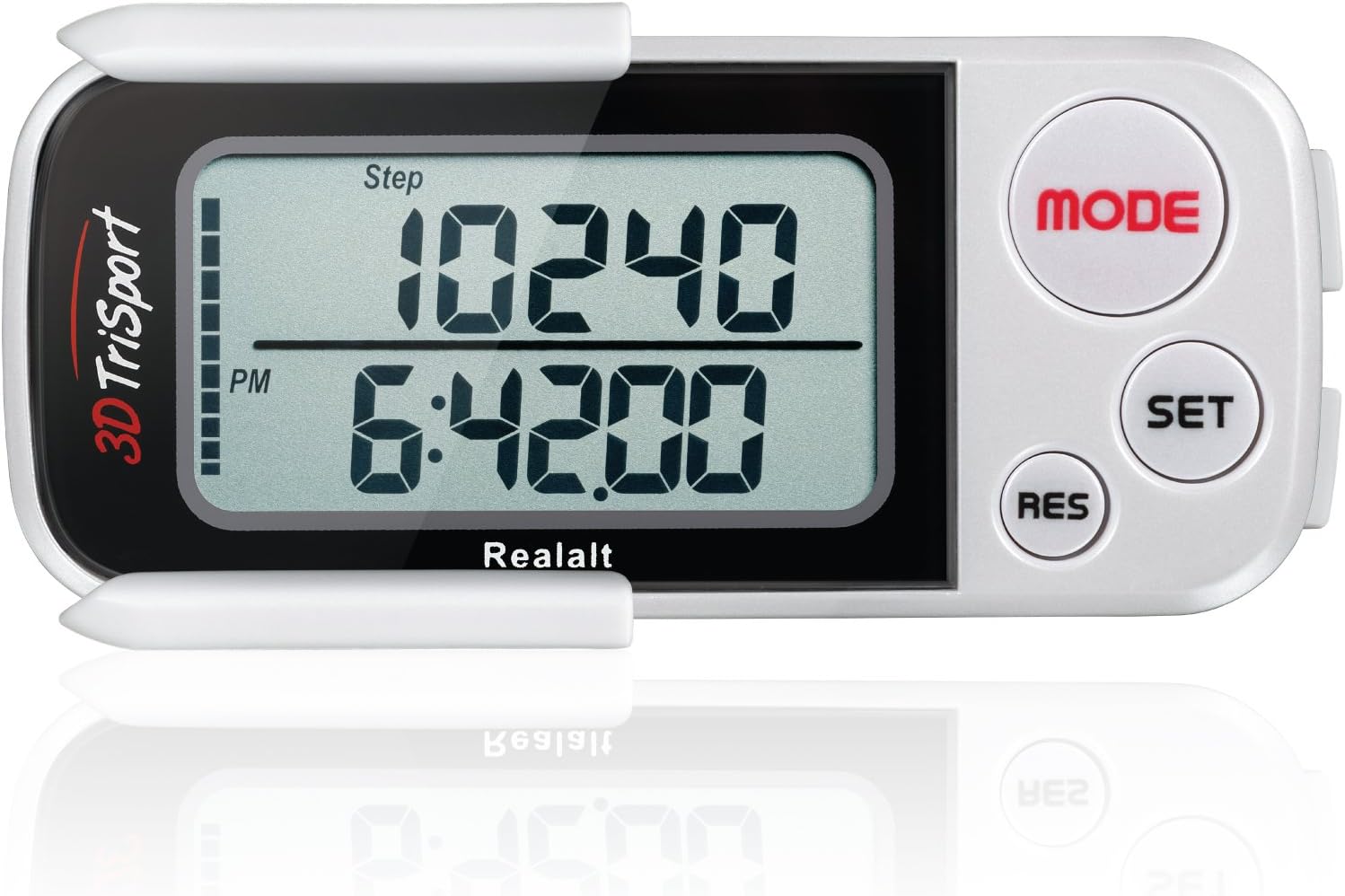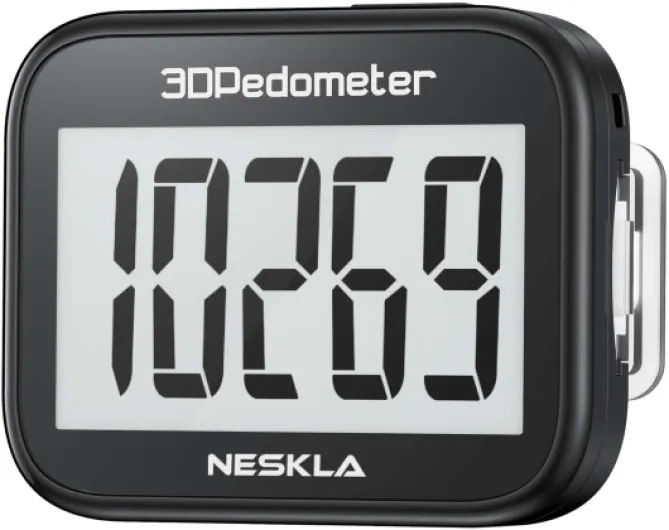

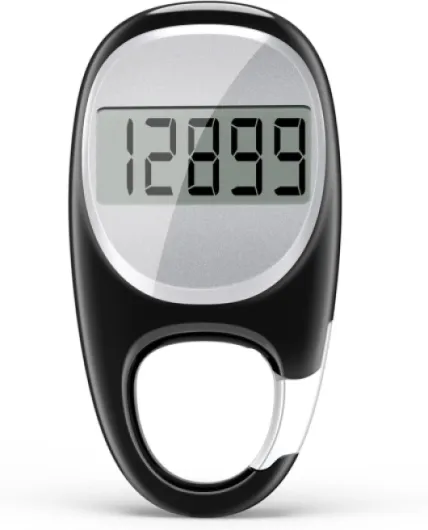
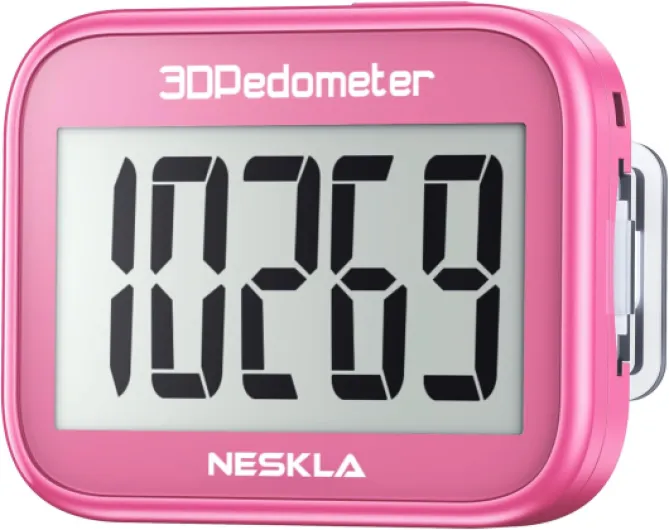

Understanding how fitness trackers measure steps and distance
How Fitness Trackers Count Your Steps and Estimate Distance
Fitness trackers have become a popular way to monitor daily activity, especially for those aiming to walk a certain number of steps each day. But how do these devices actually measure your steps and convert them into distance? Understanding the basics can help you make the most of your tracker and interpret your walking data more accurately.
Most fitness trackers use built-in sensors called accelerometers to detect movement. When you walk, your body creates a unique motion pattern with each step. The tracker senses these patterns and counts them as steps. Some advanced models also use gyroscopes or GPS to improve accuracy, especially when tracking walking speed or distance outdoors.
To estimate how many miles you walk, the tracker multiplies your step count by your average stride length. Stride length is the distance covered in one step, which can vary based on your height, walking speed, and even your pace throughout the day. Many devices allow you to input your height and weight, which helps the tracker estimate your stride length more accurately. However, if you want a more precise measurement, you can manually calculate your stride length by walking a known distance and dividing by the number of steps it takes.
- Step length and stride length are not the same. Step length is the distance from the heel of one foot to the heel of the other foot, while stride length is the distance between two consecutive steps of the same foot.
- The average stride length for a man is about 2.5 feet, while for a woman it is about 2.2 feet. However, these numbers can vary widely.
- Trackers often use these averages to convert steps to miles, but individual differences mean your actual distance may differ from the estimate.
Some trackers also estimate calories burned based on your steps, walking speed (mph), and personal data like weight and height. The more accurate your step and distance data, the better your calorie estimates will be.
If you want to dive deeper into how your device calculates distance and what 20,000 steps really means in terms of miles, check out this in-depth guide on fitness tracker mileage.

How many miles is 20,000 steps?
Estimating the Distance Covered with 20,000 Steps
When you reach 20,000 steps in a day, you might wonder how many miles you have actually walked. The answer depends on several factors, but there are some general guidelines and averages that can help you estimate your distance.
On average, a person’s stride length ranges from about 2.1 to 2.5 feet per step. This means that the number of steps per mile is typically between 2,000 and 2,500. Using these averages, 20,000 steps would equal roughly 8 to 10 miles. However, the exact number can vary based on your height, walking speed, and individual stride length.
- Average stride length: For most adults, the average stride length is about 2.2 feet for women and 2.5 feet for men. This affects how many steps you need to walk a mile.
- Steps per mile: If your stride length is 2.5 feet, you’ll take about 2,112 steps to walk a mile. At 2.2 feet, it’s closer to 2,400 steps per mile.
- Distance calculator: To get a more accurate estimate, you can use a miles calculator or a step-to-mile calculator, which factors in your height and stride length.
For example, if you use an average stride length of 2.4 feet, 20,000 steps would cover approximately 9.1 miles. This is a helpful reference point, but remember that your own distance may differ. If you want to dig deeper into how far 20,000 steps really is, check out this detailed guide on understanding your distance in miles with a fitness tracker.
Besides distance, walking 20,000 steps can also burn a significant number of calories. The exact calories burned will depend on your weight, walking speed (mph), and pace. For many people, this level of activity supports a range of health goals, from weight management to cardiovascular health.
Factors that affect your step-to-mile conversion
Why Your Step-to-Mile Conversion Isn’t Always the Same
When you check your fitness tracker after a long day of walking, you might wonder how many miles those 20,000 steps really add up to. The answer isn’t as straightforward as it seems. Several factors can change the distance you cover with each step, making your step-to-mile conversion unique to you.
- Stride Length and Height: Your stride length—the distance from the heel of one foot to the heel of the next—plays a big role. Taller people usually have a longer stride, so they cover more distance with each step. For example, the average stride length for a man is about 2.5 feet, while for a woman it’s closer to 2.2 feet. But these are just averages. Your own stride length can vary based on your height and walking style.
- Pace and Walking Speed: Walking faster often means taking longer steps. If you’re walking at a brisk pace (say, 4 mph), your stride length may increase compared to a slower stroll. This affects how many steps you need to reach a mile. A step calculator or miles calculator can help you estimate your distance more accurately, but real-world results will still depend on your pace.
- Terrain and Walking Conditions: Walking uphill, on uneven ground, or in crowded areas can shorten your stride and increase the number of steps per mile. On a treadmill or flat surface, your stride may be more consistent, but outdoor conditions can change things up.
- Footwear and Fatigue: Shoes that are too tight or too loose can affect your step length. As you get tired during the day, your stride may naturally shorten, especially if you’re walking many steps or miles.
- Weight and Calories Burned: Heavier individuals may burn more calories per step, but this doesn’t directly affect the distance covered. Still, it’s a factor to consider if you’re tracking health goals like calories burned or steps per day.
Because of these variables, two people can walk the same number of steps but end up with different distances. That’s why fitness trackers often let you enter your height or calibrate your stride length for better accuracy. For more on how connected fitness is changing the way we track our health, check out this in-depth guide on connected fitness technology.
| Factor | How It Affects Step-to-Mile Conversion |
|---|---|
| Stride Length | Longer stride = fewer steps per mile; shorter stride = more steps per mile |
| Height | Taller individuals usually have longer stride length |
| Walking Speed | Faster pace can increase stride length |
| Terrain | Hills, uneven ground can shorten stride and increase steps per mile |
| Fatigue | Stride may shorten as you get tired, affecting total distance |
Understanding these factors helps you get a more accurate picture of your daily walking distance, whether you’re using a step calculator, tracking calories burned, or just aiming for a certain number of steps per day. It’s all about finding what works best for your health and fitness goals.
Tips to improve the accuracy of your fitness tracker
Simple Ways to Get More Accurate Step and Distance Readings
Fitness trackers are helpful for counting steps and estimating how many miles you walk each day. But their accuracy can vary, especially when it comes to measuring your actual distance or calories burned. Here are some practical tips to help you get the most reliable data from your device:
- Set your stride length correctly. Most trackers use your stride length to convert steps into miles. If you use the default stride length, it may not match your real walking style. Measure your average stride by walking a known distance and dividing it by your number of steps. Enter this stride length (in feet or inches) into your tracker’s settings for better accuracy.
- Update your personal details. Make sure your height, weight, and age are up to date in your tracker’s app. These factors affect calculations for distance, calories burned, and even your average step length.
- Wear your tracker properly. For wrist-based devices, wear them snugly above your wrist bone. If you’re using a clip-on tracker, attach it securely to your waistband or pocket. This helps the sensor pick up your walking steps and pace more accurately.
- Calibrate your device. Some fitness trackers let you calibrate step length or walking speed (mph). Take advantage of this feature, especially if you notice your tracker over- or underestimates your daily miles or number of steps.
- Walk at a consistent pace. Trackers are generally more accurate when you walk at a steady pace. Sudden stops, slow shuffling, or frequent changes in speed can confuse the step counter and affect your steps-to-miles conversion.
- Use a miles calculator for comparison. If you want to double-check your distance, use an online miles calculator. Enter your step count and stride length to see how many miles you should have covered. This can help you spot any big discrepancies.
- Sync and update regularly. Keep your tracker’s firmware and app updated. Manufacturers often release improvements that can enhance step detection and distance tracking.
By following these steps, you’ll get a more accurate picture of your walking distance, calories burned, and overall health progress. Remember, even the best fitness trackers can have small errors, but these adjustments will help you trust your daily numbers a lot more.
Comparing popular fitness trackers for step and distance tracking
How top fitness trackers handle step and distance tracking
When comparing popular fitness trackers, it’s clear that not all devices measure steps and distance in the same way. Some rely on basic accelerometers, while others use advanced sensors and GPS to estimate your walking steps, stride length, and total miles walked each day. Understanding these differences can help you choose a tracker that fits your needs and provides more accurate results.- Accelerometer-based trackers (like many budget models) count steps by detecting motion patterns. They estimate distance by multiplying your average step length by the number of steps. This method can be less accurate if your stride changes throughout the day or if your walking speed varies.
- GPS-enabled trackers (often found in higher-end devices) use satellite data to directly measure distance walked or run. This can improve accuracy for outdoor activities, especially if your pace or stride length changes. However, GPS can drain battery faster and may not work well indoors.
- Hybrid trackers combine accelerometer data with GPS and sometimes even heart rate to estimate calories burned, walking speed (mph), and distance. These devices often let you calibrate your stride length and height for better accuracy.
Comparing accuracy and features
Here’s a quick comparison of some popular fitness trackers and how they handle step and distance tracking:| Tracker | Step Counting | Distance Estimation | Stride Calibration | GPS |
|---|---|---|---|---|
| Fitbit Charge Series | Accelerometer | Step length x steps | Manual & Automatic | Connected GPS |
| Apple Watch | Accelerometer & Gyroscope | Step length x steps, GPS for outdoor | Automatic | Built-in GPS |
| Garmin Vivosmart | Accelerometer | Step length x steps | Manual | Connected GPS |
| Xiaomi Mi Band | Accelerometer | Step length x steps | Manual | No GPS |
What to look for in a tracker for step and distance accuracy
If you want the most accurate results for your steps, miles, and calories burned, consider these features:- Ability to manually set your stride length or use a stride calculator based on your height and average step length
- GPS support for outdoor walking or running
- Automatic adjustment for walking speed and pace
- Clear display of steps per mile, miles per day, and calories burned
Why tracking your steps and distance matters for your health goals
How tracking steps and distance supports your health journey
Keeping an eye on your daily steps and the distance you walk is more than just a numbers game. It’s a practical way to understand your movement patterns and make informed decisions about your health. Whether you’re aiming for 20,000 steps or just trying to increase your daily activity, tracking these numbers can help you stay motivated and accountable.
- Awareness and Motivation: Seeing your step count rise throughout the day can encourage you to move more. Many people find that having a clear goal, like a certain number of steps per day, helps them stay active even on busy days.
- Personalized Insights: Fitness trackers use your stride length, height, and walking speed to estimate distance and calories burned. This personalized data helps you understand how many miles you actually cover and how many calories you burn based on your unique walking pace and step length.
- Setting Realistic Goals: By knowing your average step length and the number of steps you take, you can set achievable goals. For example, if you know your average stride is about 2.5 feet, you can use a miles calculator to estimate how far you’ll walk with a certain number of steps.
- Tracking Progress: Monitoring your steps and distance over time lets you see improvements in your walking speed, endurance, and overall health. It also helps you identify patterns, like how your activity changes on weekends versus weekdays.
- Supporting Weight Management: Walking more steps each day can help with weight control. By tracking calories burned and distance walked, you can better manage your weight and adjust your activity level as needed.
Remember, the accuracy of your step and distance tracking depends on factors like stride length, walking pace, and even your height and weight. Using a reliable fitness tracker and adjusting your settings for your personal stride length can make your data more meaningful. Ultimately, tracking your walking steps and miles is a simple yet powerful way to support your health goals, whether you’re focused on fitness, weight loss, or just staying active every day.